How to Find a Song's Key and BPM for Practice or Mixing
Discover how to identify a song's musical key and tempo (BPM) for harmonic DJ mixing, DAW grid alignment, vocal covers, and creative mashups.
Why Musical Key and BPM Matter for Creators
Whether you are a DJ planning a seamless transition between tracks, an electronic music producer building a mashup, or a vocalist preparing a live cover, two fundamental pieces of data govern how well songs work together: musical key and beats per minute (BPM).
Understanding these two metrics transforms your audio workflow:
- Beats Per Minute (BPM): BPM measures the tempo—the speed and pulse—of a musical piece. Aligning the BPM of two tracks allows drum patterns to lock together without chaotic rhythmic clashes or "train-wrecking."
- Musical Key: The key identifies the scale, tonic root note, and harmonic framework of a composition (such as C Major or A Minor). Matching or harmonically coordinating the keys of different tracks prevents dissonant, clashing chord progressions.
In traditional DJing and music production, finding key and tempo required manual tap-tempo tools, extensive ear training, or trial-and-error piano testing. Modern audio analysis automates this process through digital signal processing, analyzing transients to calculate tempo and pitch chromagrams to determine tonality.
How Audio Analysis Calculates Key and Tempo
Behind every accurate key and BPM readout is a series of complex spectral calculations:
Detecting Beats Per Minute (BPM)
To calculate tempo, audio algorithms isolate transient energy spikes—most notably the sharp attacks of kick drums, snare hits, and percussive plucks. By mapping the intervals between repetitive transient onsets across time, the system establishes the primary pulse and calculates the track's average BPM.
Detecting Musical Key
To identify musical tonality, the analyzer extracts a pitch class profile (chromagram) from the audio spectrum. It measures the distribution of acoustic energy across all twelve semitones of the chromatic scale over the course of the song. The detected harmonic profile is then compared against established musical scale templates (such as major and minor diatonic scales) to determine the most probable key and mode.
Complex Arrangements, Source Quality, and Edge Cases
While modern detection algorithms are robust, audio is fundamentally complex. Several real-world musical scenarios require human judgment:
Relative Major and Minor Ambiguity
In Western music theory, every major key has a relative minor key sharing the exact same set of notes (for example, C Major and A Minor both contain no sharps or flats). In pop, electronic, and hip-hop tracks that cycle through four-chord loops, the tonal center can feel ambiguous. An analyzer might report "Key C Major" when a song leans toward "A Minor." Trust your ear to confirm which chord feels like home.
Half-Time and Double-Time Ambiguity
Modern genres like trap, drum and bass, dubstep, and R&B frequently switch between half-time and double-time rhythmic feels. A trap beat with a kick drum on beat one and a snare on beat three might be interpreted as 70 BPM or 140 BPM. Both mathematical readings are rhythmically valid; selecting between them simply depends on whether you prefer to count the slower half-time pulse or the rapid hi-hat divisions.
Live Drummers and Tempo Variations
Studio electronic tracks recorded to a digital metronome maintain a rock-solid, static BPM from start to finish. Conversely, classic rock, jazz, funk, and live acoustic recordings feature natural tempo fluctuations (rubato, accelerandos, or emotional rushing in the chorus). In such cases, the reported BPM represents the average tempo across the track.
Arrangement Density and Source Quality
Heavily compressed audio (like 128 kbps MP3s) or dense wall-of-sound mixes filled with distorted synthesizers and heavy reverb can slightly blur harmonic overtones. Using clean, high-resolution source audio (such as lossless WAV or FLAC) delivers clearer transients and distinct overtone structures, ensuring the highest detection accuracy.
Step-by-Step: Finding Key and BPM with DeVocal
DeVocal automatically couples stem separation with instant audio analysis, giving you key and tempo metrics alongside isolated vocal and instrumental tracks:
Step 1: Check File Specs
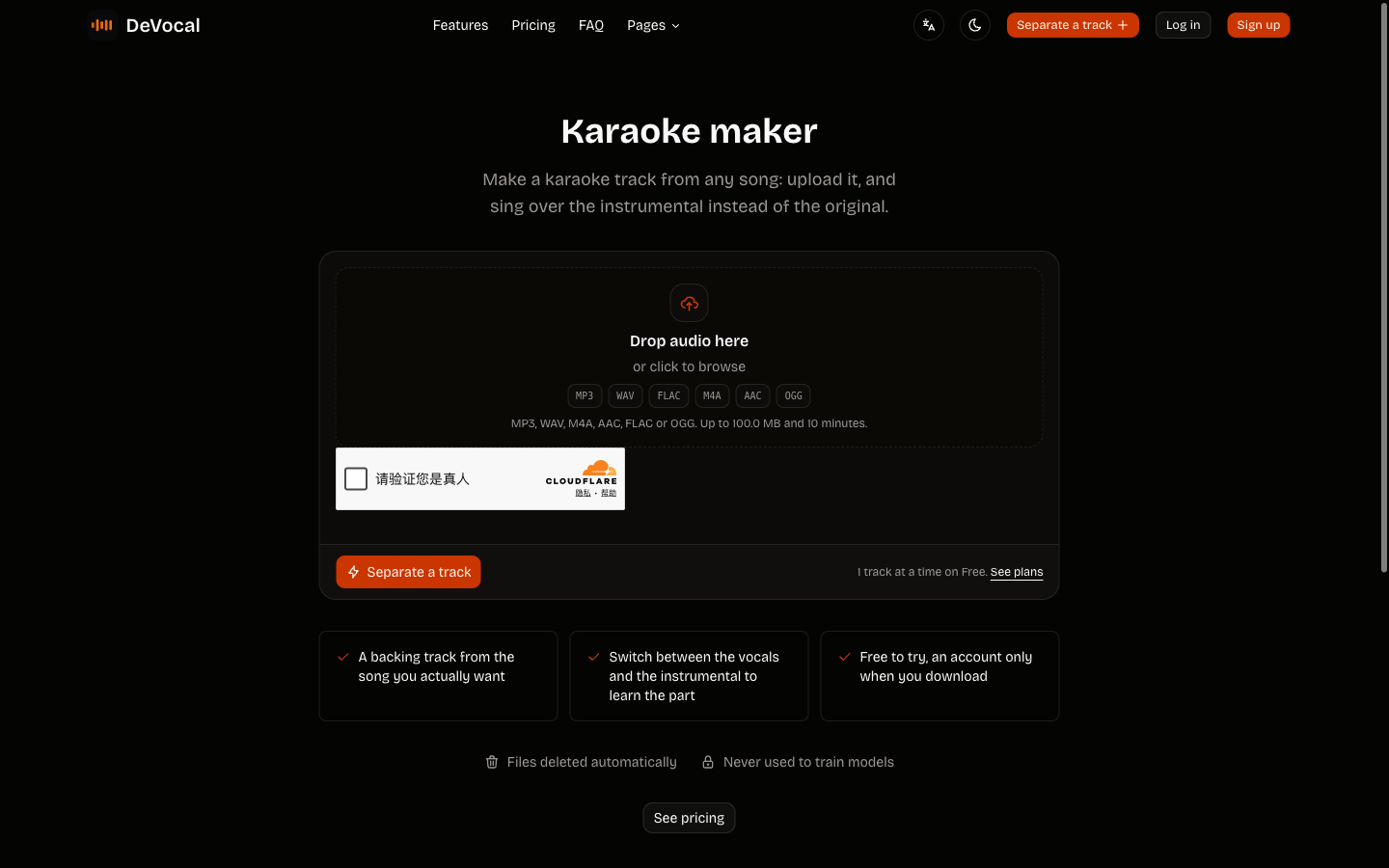
Select the audio file you want to analyze. DeVocal supports MP3, WAV, M4A, AAC, FLAC, and OGG files up to 100 MB. Standard visitor accounts accept tracks up to 10 minutes, while paid plans extend the limit up to 20 minutes for DJ sets and extended recordings. Note that DeVocal requires direct file uploads; it does not scrape audio from YouTube, Spotify, or external links.
Step 2: Upload to DeVocal
Navigate to the DeVocal Studio, the Remove Vocals tool, or the Acapella Extractor. Drag and drop your audio track into the upload container.
Your file uploads directly to protected storage for processing. DeVocal automatically deletes uploaded audio and generated stems, and does not use your files to train machine-learning models.
Step 3: Read Key and BPM on the Completed Job
When separation finishes, the completed job view appears. If analysis is available, the track header above the audition player reports:
- The detected tempo is prominently reported (for example,
120 BPM). - The detected musical key is clearly displayed (for example,
Key A minor).
Step 4: Audition Separated Stems
Use the integrated player to audition your Vocals and Instrumental stems independently:
- Solo the Vocals to hear the isolated melody.
- Solo the Instrumental to practice singing or assess backing dynamics.
- Check that the key and tempo align with your project goals.
Step 5: Download or Transpose Stems
Once your analysis is complete:
- Free accounts can download MP3 stems immediately.
- Paid plans unlock lossless WAV downloads for critical studio production and live playback.
- If you need to adapt the instrumental backing to a different vocal range, use the Key dropdown on the instrumental row to transpose the backing track from minus 6 to plus 6 semitones before downloading.
Practical Applications for Key and BPM Data
Having accurate key and tempo figures unlocks several creative workflows:
- Harmonic DJ Mixing: Use the Camelot Wheel or circle of fifths to mix harmonically compatible tracks. Transitioning between songs in the same key (or moving up/down one step on the wheel) ensures smooth, musical blend without dissonance.
- DAW Grid Alignment: When importing an isolated acapella into Ableton Live, FL Studio, or Logic Pro, the detected BPM gives you a starting point for the project grid or warping. Confirm alignment against the downbeats by ear.
- Mashups and Bootlegs: To create a cohesive mashup, choose an acapella and an instrumental that share either the same key or relative keys, and warp the tempo of one track to match the other.
- Selecting Backing Tracks for Singers: If the detected key sits too high for your natural tessitura, you know exactly how many semitones to shift the instrumental backing in DeVocal to fit your voice.
Troubleshooting Common Analysis Questions
- BPM Reads Half of Expected Value: If a high-energy track displays 75 BPM instead of 150 BPM, the algorithm detected the half-time snare pulse. Double the number in your DAW or DJ software to sync with 150 BPM tracks.
- Key Reads as Relative Minor Instead of Major: G Major and E Minor, for example, share the same pitch classes but have different tonal centers. Try both interpretations and confirm which chord sounds like home.
- Upload Rejected: Ensure your file is under 100 MB, formatted as MP3, WAV, M4A, AAC, FLAC, or OGG, and does not exceed the duration limits (10 minutes on standard accounts, 20 minutes on paid tiers).
Copyright and Fair Use Considerations
Use audio you own or have permission to process. Rights vary by song, intended use, and location; obtain permission and any appropriate licences before publishing, distributing, sampling, or publicly performing a derivative track. This is practical guidance, not legal advice.
Frequently Asked Questions
Can I change the song tempo inside DeVocal?
No. DeVocal detects and reports the track's original BPM, but it does not provide in-browser time-stretching or tempo modification. If you need to alter the speed of a stem, import the downloaded WAV or MP3 file into your digital audio workstation.
Can I transpose the detected key of the stems?
Yes, for the instrumental. DeVocal allows you to transpose the Instrumental stem up or down between minus 6 and plus 6 semitones before downloading. The vocal stem remains at the original recorded pitch.
Does DeVocal detect time signatures (like 3/4 or 6/8)?
DeVocal reports BPM and musical key, not time signatures. Compound meter can make the BPM interpretation ambiguous, so verify the pulse by counting along with the track.
How long does DeVocal keep my analyzed files?
DeVocal automatically deletes uploaded audio and generated stems, and does not use uploads to train machine-learning models.
Related Guides and Workflows
Explore these guides to expand your music production and vocal preparation:
- DeVocal Studio: Upload your song to separate stems and view automated key and BPM analysis.
- Transpose Instrumental to Your Key: Pitch-shift backing tracks from minus 6 to plus 6 semitones.
- Isolate Vocals for Remixing: Learn how to extract clean acapellas and align them in your DAW.
- Remove Vocals Without Losing Quality: Understand modern neural stem separation and acoustic quality factors.
- Acapella Extractor: Extract standalone vocal tracks for creative sampling.