How to Transpose an Instrumental to Match Your Vocal Range
Learn how to pitch-shift backing tracks from minus 6 to plus 6 semitones, preserve tempo, and understand the quality trade-offs of larger shifts.
Finding the Right Key for Your Vocal Range
Every singer possesses a unique vocal range and a specific "tessitura"—the pitch comfort zone where their voice sounds most resonant, expressive, and effortless. When you attempt to sing a song arranged for a different vocal type, you quickly run into physical obstacles. A soaring tenor line can force a baritone into a strained falsetto, while an alto ballad might drop below a soprano's natural chest register.
Attempting to force your voice outside its healthy limits causes vocal fatigue, poor pitch accuracy, and unnecessary tension. The solution is straightforward: transpose the backing track into a key that suits your range. Rather than singing along with a track in the wrong key or searching endlessly for rare transposed karaoke versions, you can adjust the pitch of the instrumental backing directly.
Transposing an instrumental means moving every note up or down by a precise musical interval called a semitone (half-step). Shifting a song down by two semitones (one whole step), for example, lowers the highest note of the chorus just enough to let you sing with power and confidence without straining your voice.
Pitch Shifting vs. Tempo Changes: How Digital Transposition Works
In traditional tape recording, changing pitch also altered playback speed. Digital processing can shift pitch and then compensate for that speed change, allowing a tool to preserve the original tempo.
When you transpose an instrumental in DeVocal:
- Pitch changes in semitone steps: The musical key moves up or down in discrete semitone increments, ranging from minus 6 to plus 6 (-6 to +6).
- Tempo is preserved: DeVocal's transposition process is designed to keep the original song speed and BPM while changing pitch.
- Transposition is instrumental-only: DeVocal applies pitch transposition exclusively to the Instrumental stem. Because backing tracks are what vocalists sing over, shifting the instrumental gives performers a custom rehearsal track without altering the original vocal stem.
Source Quality, Arrangement Density, and Timbral Artifacts
The clarity of a transposed backing depends on both the source audio quality and the size of the shift.
Source File Resolution
Low-bitrate audio files (such as 128 kbps MP3s) have already lost critical high-frequency harmonics during compression. Shifting a lossy file stretches these compressed frequencies, creating noticeable phase graininess or comb-filtering in the upper register. Always upload lossless WAV or FLAC files, or high-bitrate MP3/M4A tracks, to give the pitch-shifting algorithm clean, well-defined transients to work with.
Shift Intervals and Natural Timbre
Audio pitch shifting alters the resonant body (formants) of acoustic instruments along with the pitch:
- Subtle Shifts (±1 to ±3 semitones): Adjustments within one to three half-steps preserve instrument character exceptionally well. Basslines remain tight, acoustic guitars sound natural, and piano chords maintain warmth.
- Moderate to Extreme Shifts (±4 to ±6 semitones): When you shift an entire instrumental mix by five or six semitones (nearly a tritone), the timbral characteristics of physical instruments stretch significantly. Cymbals may sound unnaturally sharp when pitched up, and bass instruments can sound slightly muffled or oversized when pitched down.
- Dense, heavily reverbed arrangements: Songs with dense reverberation or heavily distorted synthesizers may exhibit slight phase modulation when shifted across wide intervals.
For the vast majority of vocal adjustments, a subtle shift of one, two, or three semitones is all that is required to bring a challenging song into a singer's sweet spot.
Step-by-Step: Transposing Backing Tracks with DeVocal
DeVocal combines two-stem audio separation with download-time instrumental transposition. Follow this process to create a custom backing track:
Step 1: Select Your Audio Track
Ensure your file is stored locally on your device in one of DeVocal's accepted formats: MP3, WAV, M4A, AAC, FLAC, or OGG. DeVocal accepts files up to 100 MB. Standard visitor accounts support tracks up to 10 minutes in length, while paid subscriptions accommodate files up to 20 minutes. Note that DeVocal processes direct audio uploads and does not support streaming links or URL imports.
Step 2: Upload to DeVocal
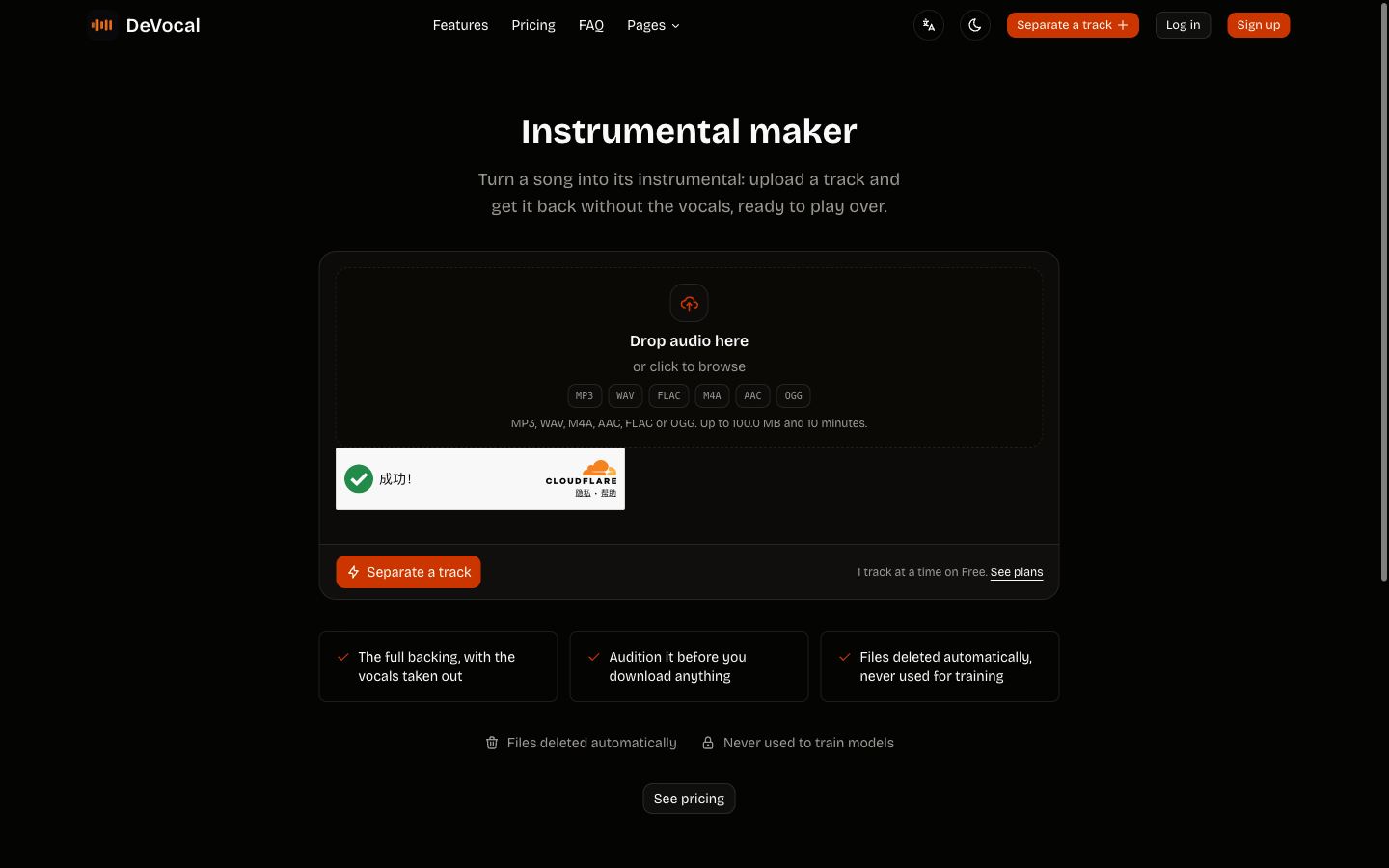
Go to the Karaoke Maker tool, Instrumental Maker, or the main DeVocal Studio. Drag and drop your audio file onto the upload card.
Your track uploads directly to protected storage for processing. DeVocal automatically deletes uploaded audio and generated stems, and does not use your files to train machine-learning models.
Step 3: Check Original Key and BPM
Once separation completes, DeVocal's player presents two stems: Vocals and Instrumental. When analysis is available, the job header shows the detected musical key and tempo. Confirm these estimates by ear before relying on them for a performance.
Step 4: Choose Your Key Transposition
Locate the download section below the stem audition player. On the Instrumental stem row, you will see a dedicated Key selector dropdown menu:
- The selector defaults to original pitch (
0). - To lower the backing track, choose a negative value (
-1,-2,-3,-4,-5, or-6semitones). - To raise the backing track, choose a positive value (
+1,+2,+3,+4,+5, or+6semitones).
For example, selecting -2 lowers the song by one whole step (two semitones), transforming a song originally in G major down to F major.
Step 5: Download Your Transposed Instrumental
Once you select your desired semitone shift:
- Free accounts can download the transposed instrumental stem as an MP3 file.
- Paid plans unlock high-fidelity, uncompressed WAV downloads for professional live performance, musical theater auditions, and studio recording.
Label your downloaded versions with the selected shift so you can distinguish rehearsal keys in your music library.
Practical Tips for Selecting Your Ideal Key
If you are unsure which semitone value to pick, use these practical guidelines:
- Identify the Peak Note: Find the highest note in the song's chorus. Play that note on a piano or virtual keyboard app.
- Find Your Comfortable Top Note: Sing up a scale to locate the highest note you can sustain comfortably without tension.
- Calculate the Semitone Difference: Count the piano keys (black and white) between the song's peak note and your target note. If the song's peak is C5 and your comfortable peak is A4, that is a difference of 3 semitones down—select
-3in DeVocal. - Test with Incremental Shifts: When in doubt, start with a
-1or-2shift. Often, a tiny half-step adjustment provides immediate vocal relief while keeping the original musical energy intact.
Troubleshooting Transposition Issues
- Instrumental Sounds Muddy After Down-Shifting: Dropping a song by -5 or -6 semitones pushes bass frequencies into sub-bass regions. If your playback speaker distorts, test a smaller shift (such as -2 or -3 semitones) or use an EQ in your playback app to gently roll off frequencies below 40 Hz.
- Upload Exceeds Limits: If your file upload fails, check that the file size is under 100 MB and the length is within the 10-minute limit (or 20 minutes for paid accounts). Ensure your file format is MP3, WAV, M4A, AAC, FLAC, or OGG.
- Key Selector Not Available on Vocals: This is by design. In DeVocal, key transposition is available exclusively on the Instrumental stem, which is the track used for singing and accompaniment.
Copyright and Licensing Considerations
Use audio you own or have permission to process. Rights vary by song, intended use, and location; obtain permission and any appropriate licences before publishing, distributing, sampling, or publicly performing a derivative track. This is practical guidance, not legal advice.
Frequently Asked Questions
Can I transpose the isolated vocal stem as well?
No. In DeVocal, key transposition is designed specifically for the Instrumental stem so singers can adjust accompaniment tracks. The vocal stem remains at its original recorded pitch.
Does transposing an instrumental change its playback speed?
No. DeVocal changes the musical pitch from -6 to +6 semitones while the transposition process is designed to preserve the original tempo.
Can I shift the key by fractions of a semitone (microtonal tuning)?
No. Transposition is calibrated in discrete whole semitones from minus 6 to plus 6. This covers standard Western chromatic scale transposition.
How long are transposed stems kept on the server?
DeVocal automatically deletes uploaded audio and generated stems, and does not use uploads to train machine-learning models.
Related Guides and Workflows
Explore these related guides to master your vocal and instrumental preparation:
- Karaoke Maker Tool: Create singing-ready backing tracks directly in your browser.
- Find Song Key and BPM: Identify original song keys and tempos for accurate transposition planning.
- Remove Vocals Without Losing Quality: Understand stem separation principles and acoustic quality preservation.
- Isolate Vocals for Remixing: Learn how to extract clear acapellas for production and sampling.
- DeVocal Studio: Upload your songs and audition separated stems.